Yuval Tassa
07fc95ca9a
Yuval Tassa
07fc95ca9a
Orthographic cameras are specified by setting the `orthographic` attribute of the `<camera>` element. The `fovy` attribute is still used to specify the field-of-view, but its semantic is different for orthographic cameras. For orthographic cameras, the field-of-view is expressed in units of length, rather than degrees.

Other related changes:

* Fix bug in the ordering of `cam_xxx` elements in `mjModel`.
* Make camera visualization translucent only when the frustum is visualized.
* Added a button to `simulate` to toggle between perspective and orthographic free cameras.

https://youtu.be/ZXBTEIDWHhs

PiperOrigin-RevId: 642293435
Change-Id: Id090a421ad88ab404b5b27ddbbd6bfc81ad49bc5
Simulate App
simulate is a fully-featured interactive application for MuJoCo. It opens an
OpenGL window using the platform-independent GLFW library, and renders the
simulation state in it. There is built-in help, simulation statistics, profiler,
sensor data plots. The model file can be specified as a command-line argument,
or loaded at runtime using drag-and-drop functionality. Below is a
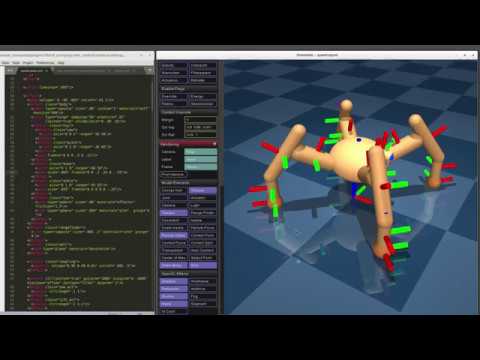
screen-capture of simulate in action: